Optimize your level-building workflow with an advanced box-scale tool for the Unreal Engine editor — the one you never knew you were missing.
Unreal Engine 5.5 – 5.8 · Windows editor · editor-only, zero runtime footprint
Also available as a standalone page: hauntedostrich.com/scalebox/docs
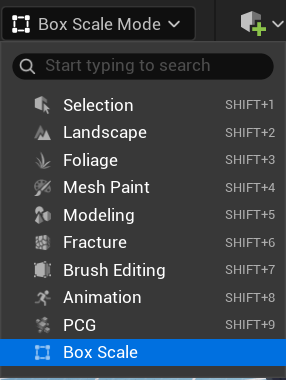
Plugins/ folder (create it if needed), restart the editor. Prebuilt Win64 binaries included — Blueprint-only projects work.
| Control | Effect |
|---|---|
| Drag face handle | Scale along that axis; opposite face pinned |
| Drag corner handle | Uniform scale from the opposite corner; with Free-Form Corners on, each axis follows the cursor on its own |
| Drag edge handle | Scale the two axes square to that edge; opposite edge pinned |
| Alt + drag any handle | Array: flush copies, one per box length pulled, live count; the original never moves. A face makes a straight row, an edge steps diagonally (stairs), a corner steps on all three axes. Release keeps the row, Esc drops it |
| Right-click face handle | Face menu: Mirror Across Face, Mirror in Place, Offset Across Face, each with a Duplicate version; plus the Local Space Group Box toggle |
| Right-click edge or corner handle | Mirror About Edge and Offset Across Edge on edges, Mirror About Corner on corners, each with a Duplicate version |
| Shift + drag | Symmetric — scale about the box center |
| Ctrl + drag | Invert grid snapping |
| Hold V + drag | Smart snapping: face jumps flush to the geometry under your cursor, at any distance; point near a mesh vertex and the handle snaps to that vertex; with the cursor in empty space, the face snaps to geometry it passes near |
| Esc during drag | Cancel and restore original transforms |
| Drag past zero | Mirror the selection (sticky ~25% overshoot; never on BSP) |
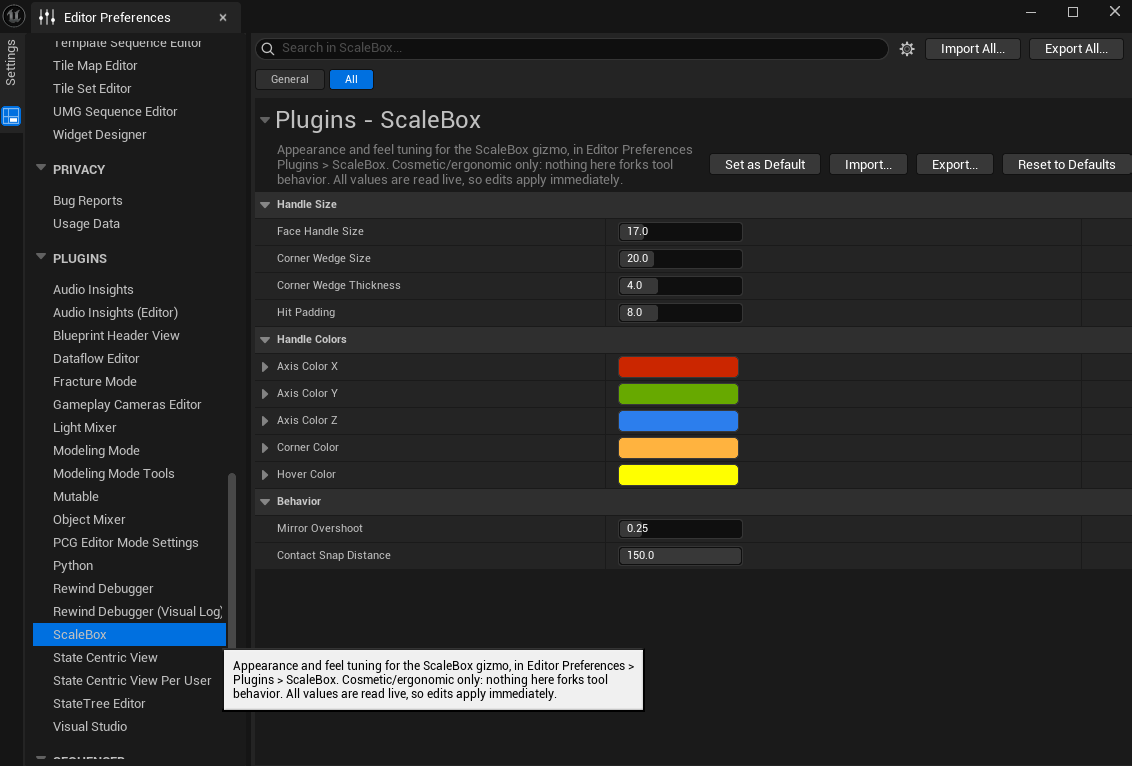
Editor Preferences → Plugins → ScaleBox: a Handle Style (Solid or Minimal), an Edge Handles switch, handle sizes, hit-test padding, a handle Color Preset (Classic, Synthwave, Haunted) plus every individual color, mirror overshoot threshold, contact-snap distance, vertex snap radius, and the Free-Form Corners and Local Space Group Box defaults. Changes apply live.
Bugs, questions, feature requests: support@hauntedostrich.com
Include your engine version and, for bugs, a short clip or steps to reproduce — it makes fixes dramatically faster.
 HAUNTED OSTRICH